
On the left-hand navigation menu, click Referrals > Referral Incentive Offers
Referral
How to Create a Referral
Step 1:
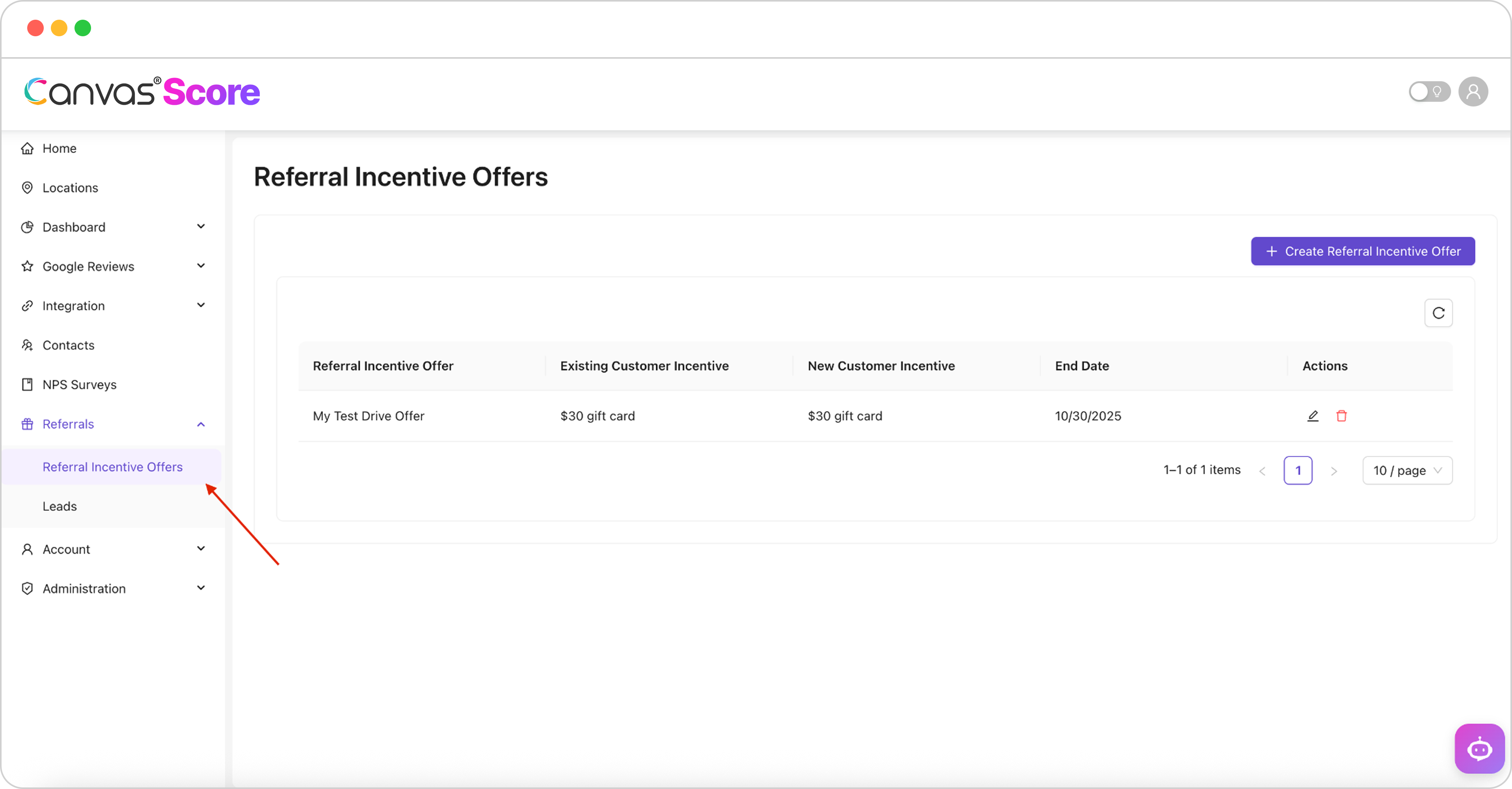
Step 2:
Click + Create Referral Incentive Offer

Step 3:
Fill out the Referral Form
Referral Name- Ex: “New Patient Special!”
Existing Customer Incentive- Ex: “$25 Gift Card”
New Customer Incentive- Ex “$50 Gift Card”
End Date- Ex: “End of the Month”
Terms & Conditions- Ex: “Must redeem by the end of the year”

Step 4:
Now you can add your referral to any NPS survey!

Step 5:
Now you can add your referral to any NPS survey!

If You Have Questions,
Visit our support resource center here to view more information or contact our support team.

Canvas® Score is a proprietary review & referral automation platform designed and developed by Roya.com
© 2026 Canvas® Score | All Rights Reserved