
You can send NPS surveys to your clients via email, sms or both. These can be sent manually or automated throughAPIs and business rulea utomation tools.
NPS Workflow Canvas® Score
NPS Survey
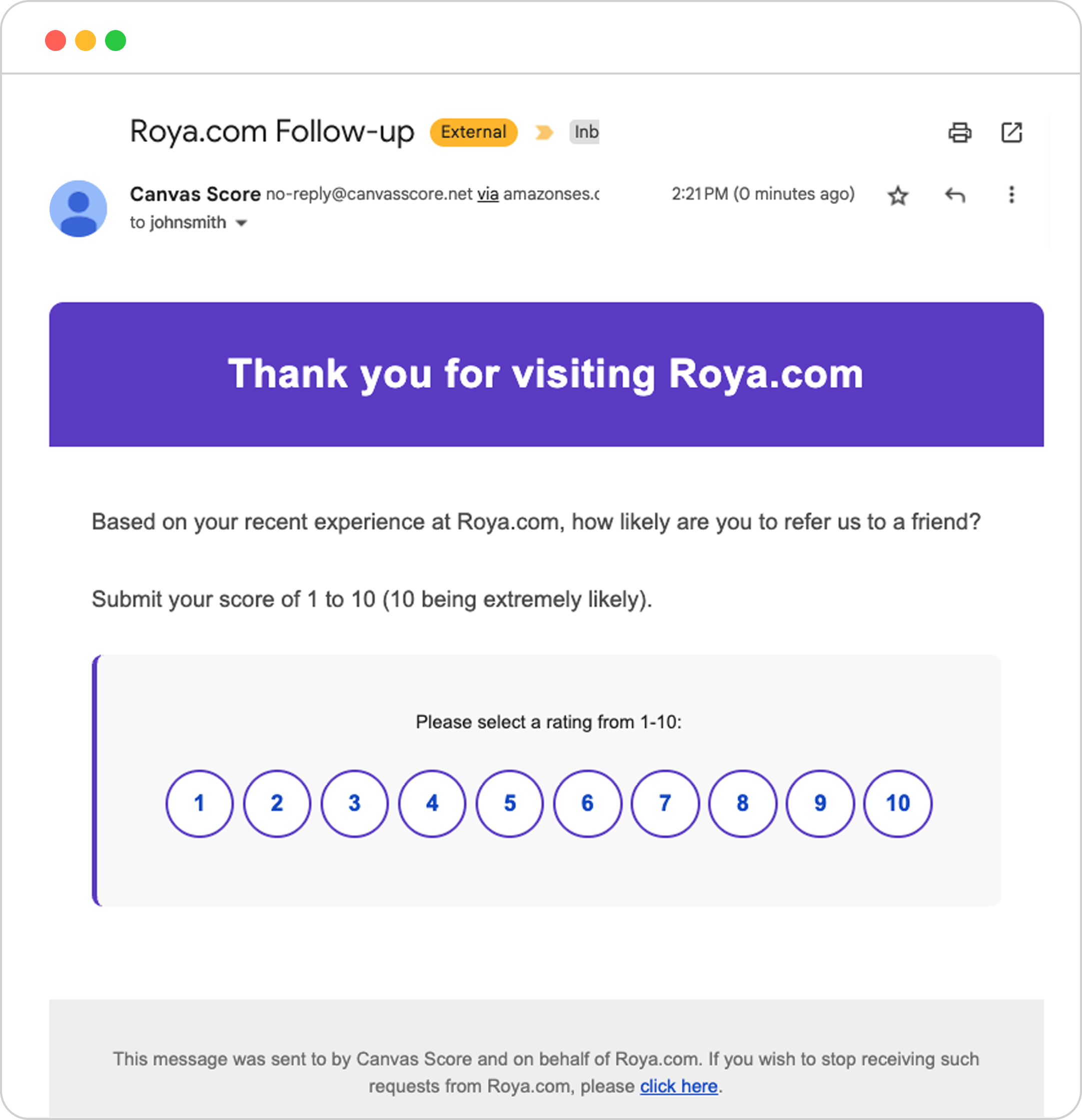
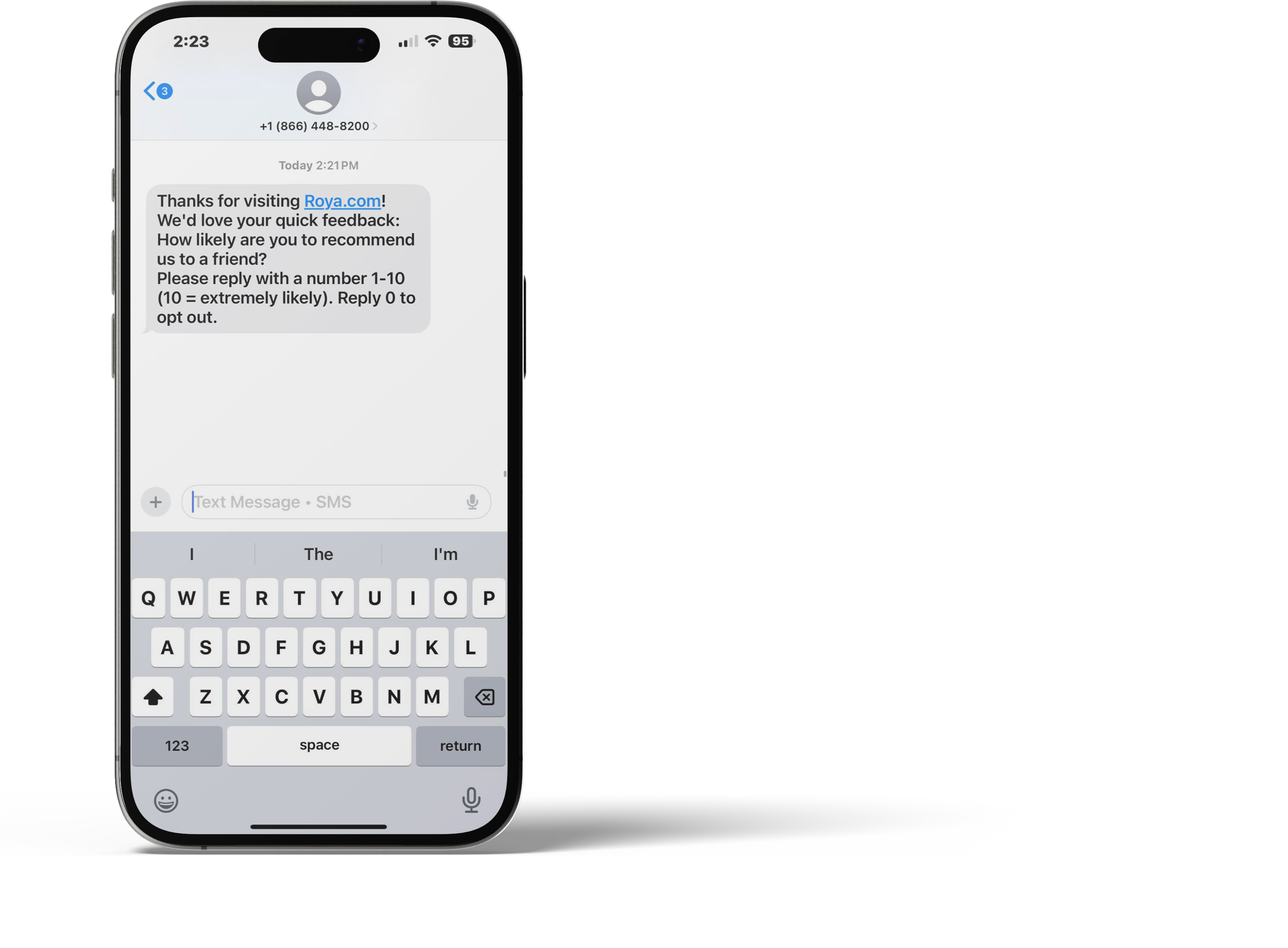
Clients will either click a numeric value in the body of the email or reply via sms with a numeric value; these values categorize them and and put into different workflows based on their rating (0-6 Detractors | 7-8 Passives | 9-10 Promoters).
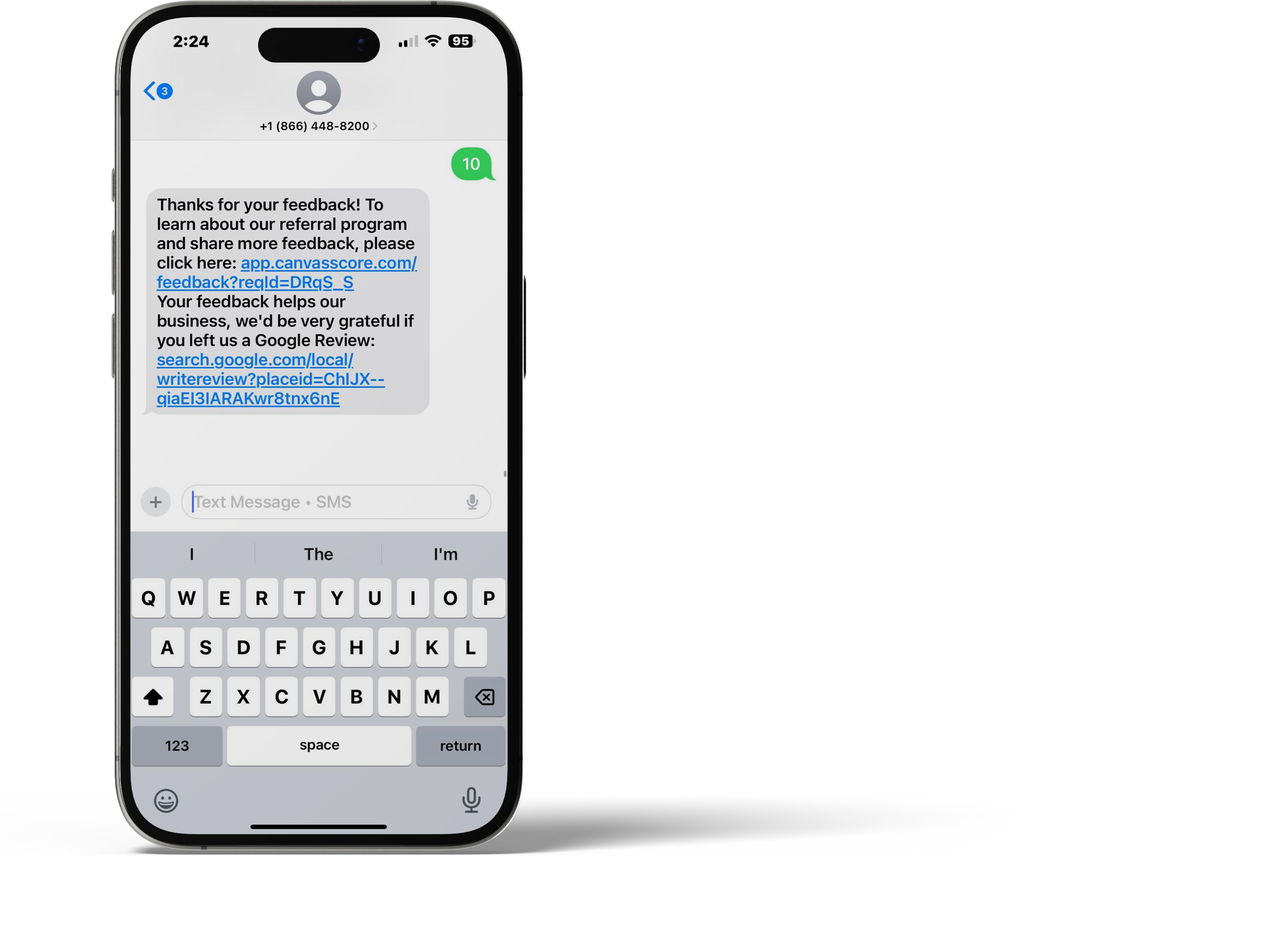
If it is an SMS reply of 10, the Canvas Score reply also has a direct link so the client can leave a google review.
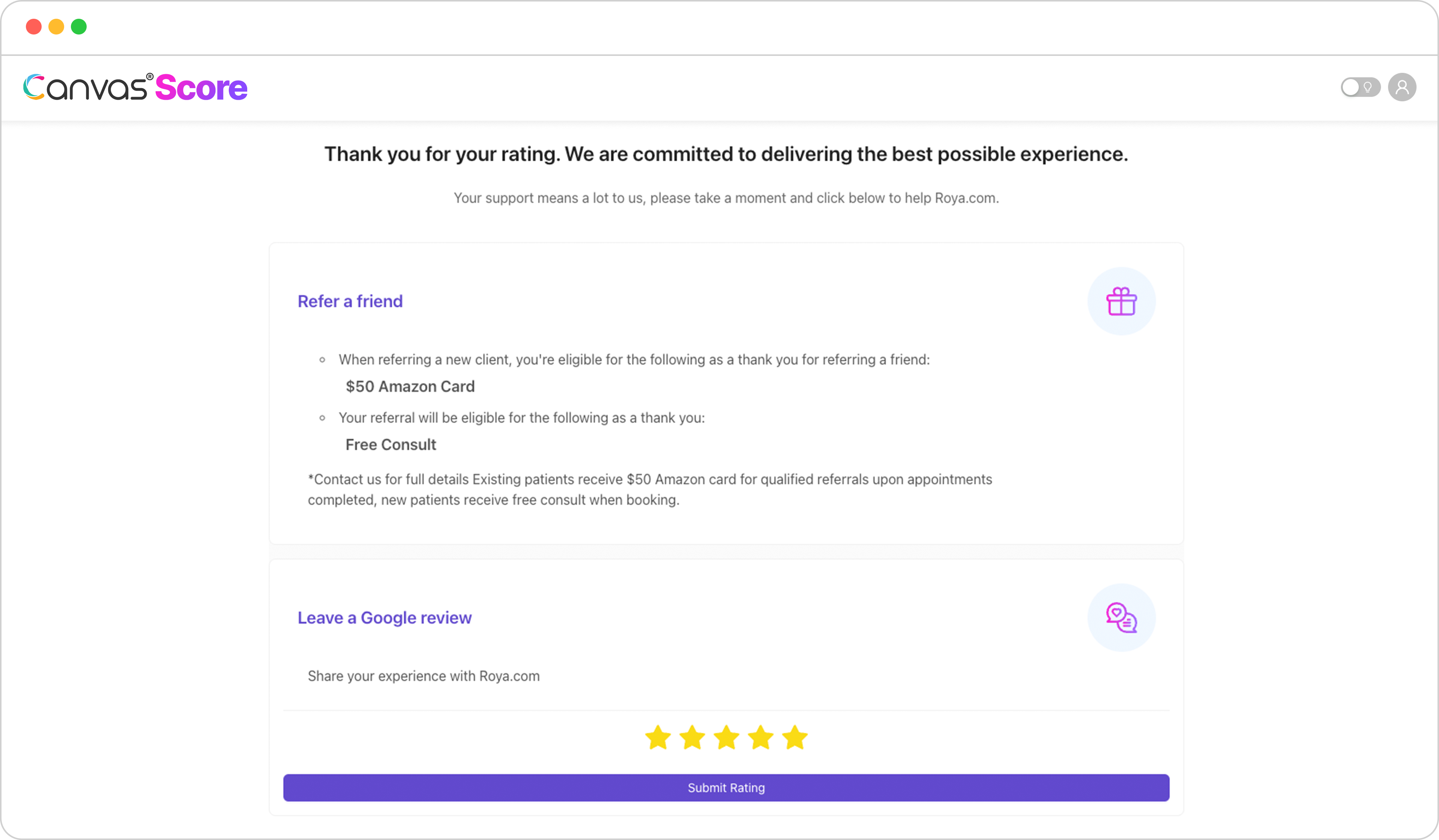
If the client is a Promoter, they are directed to a feedback page with two customizable modules prompting them to:
Refer a Friend
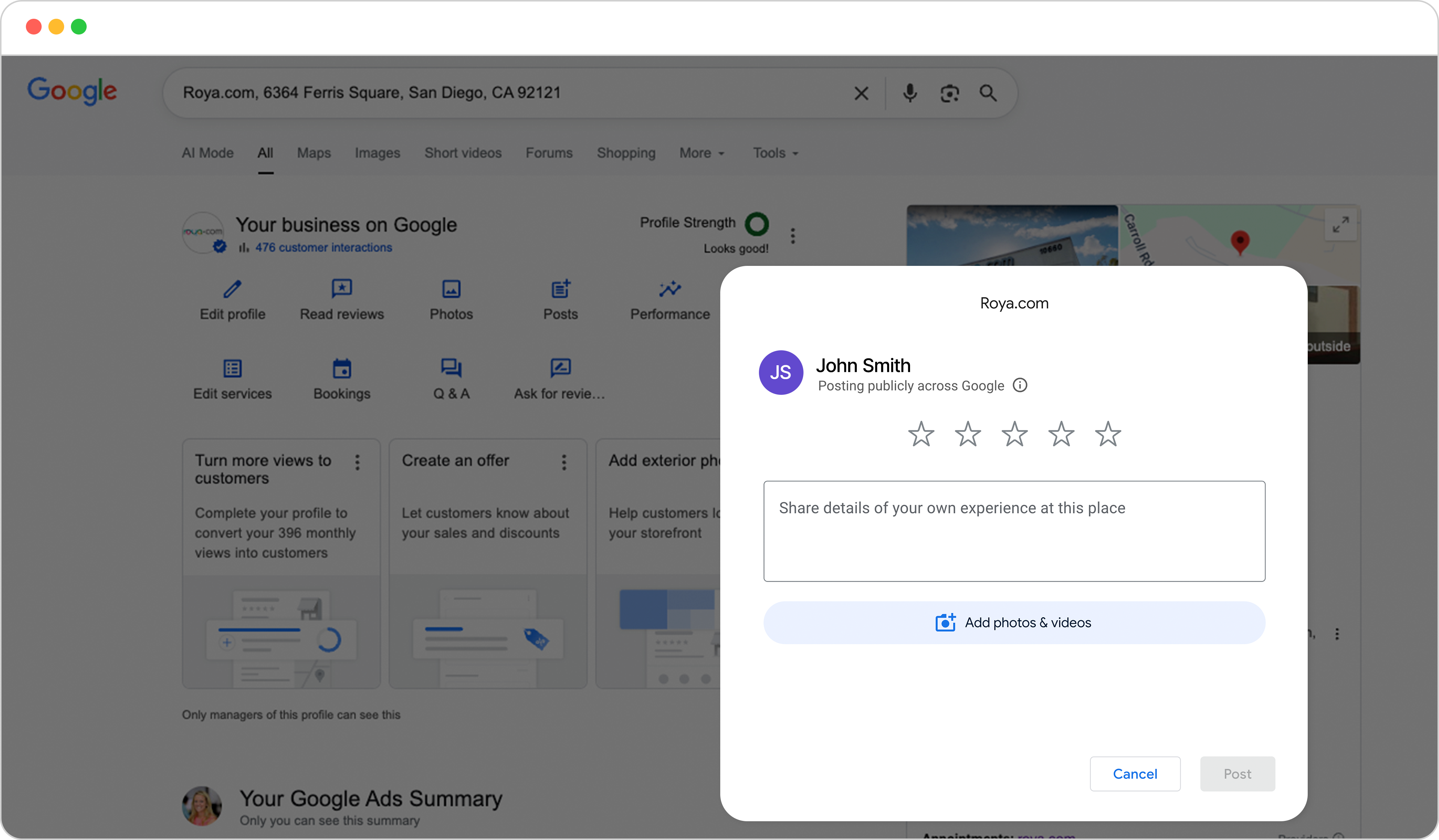
Leave a Google Review
NPS Email
NPS SMS
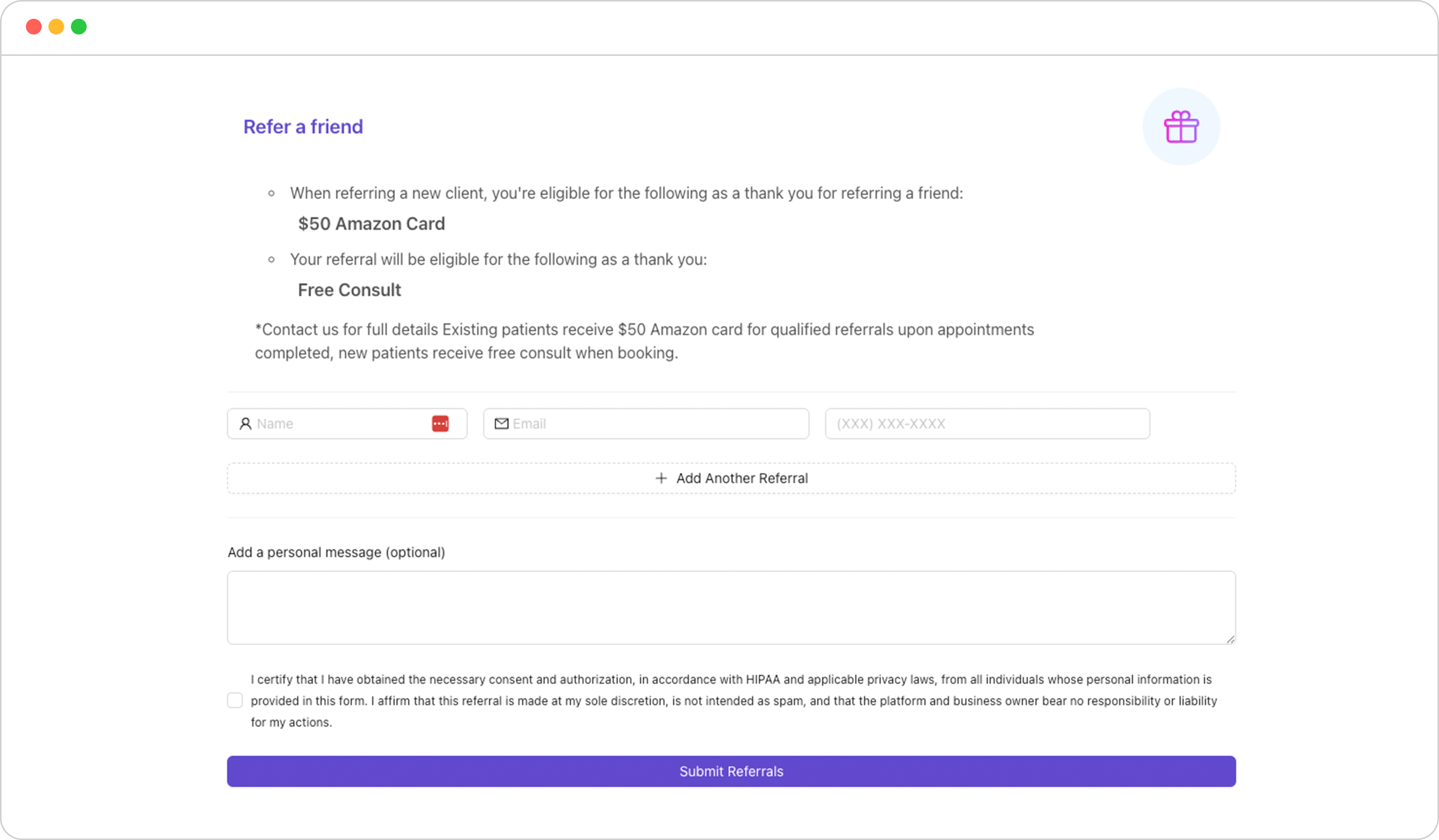
Refer a Friend
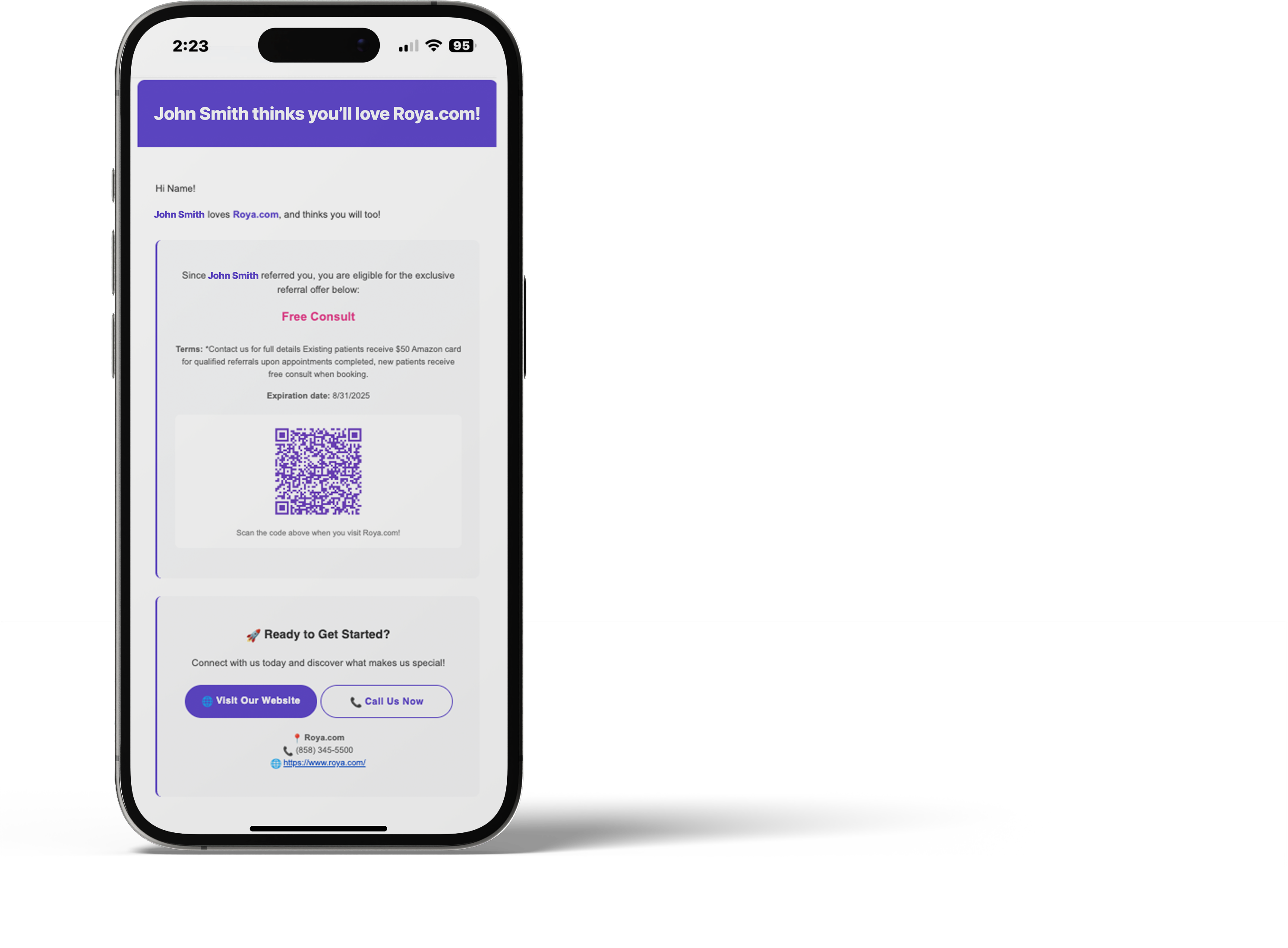
The refer a friend module has the ability to enable an optional offer, to incentivize clients to provide referrals. These offers can be customized for the person providing the referral and the person being referred.
The referrals will have unique QR codes as part of their referral email, allowing businesses to not only track total referrals, but also referrals by campaign and by Promoter.
Leave a Google Review
The star rating on the rating launch pad provides another way to guide the user for the best usability experience based on their selection. As the business owner, you can customize your account setting to set a ‘threshold’ for star rating.
For example, if you set your star rating threshold to 5, and a client clicks on the 5 stars and submits, they will go straight to a google review pop-up.
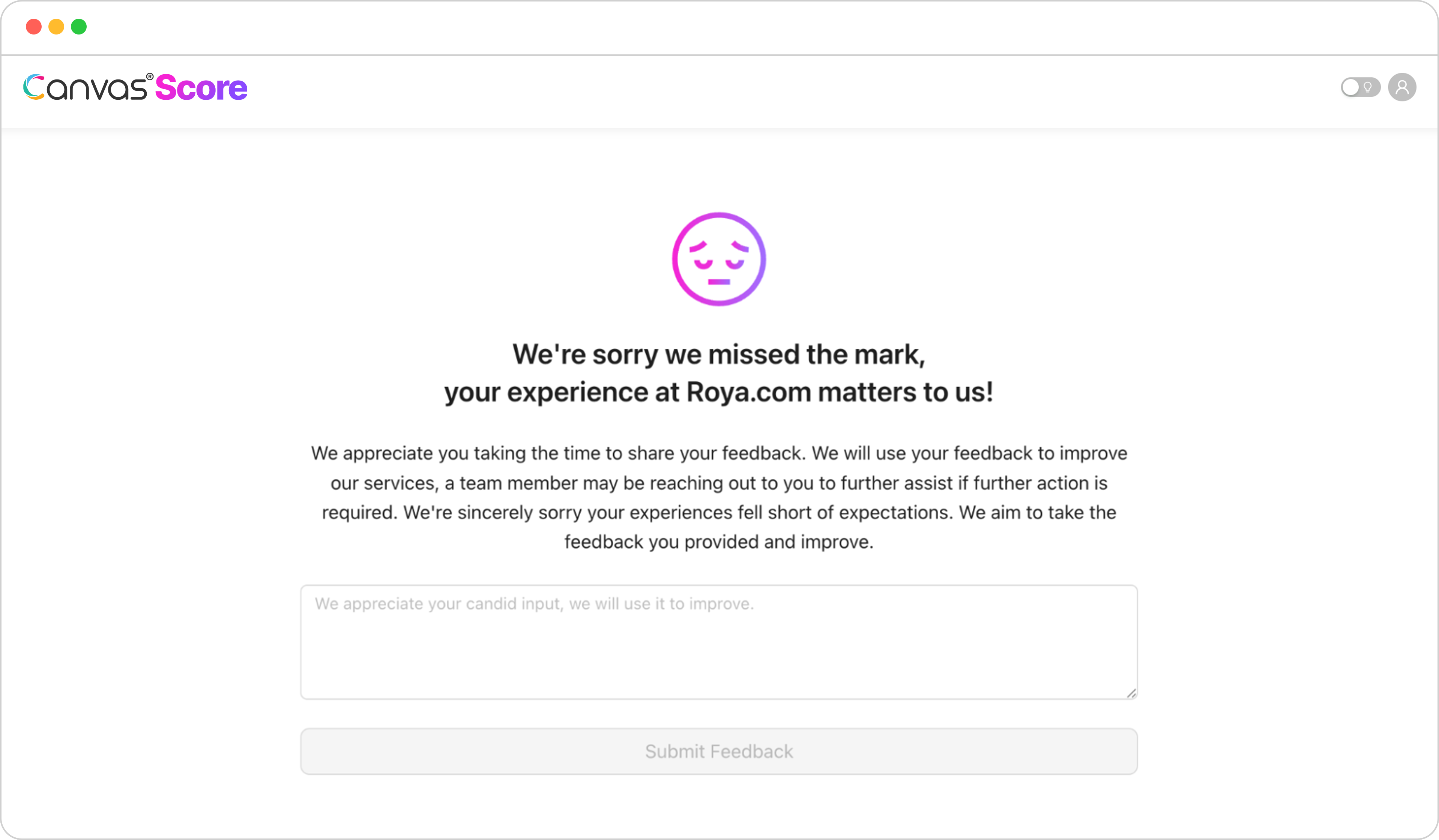
If they are under the threshold, in this example a 4, they will be redirected to a page to provide you with one-on-one feedback, so you can further discuss their concerns and experience and take corrective action.
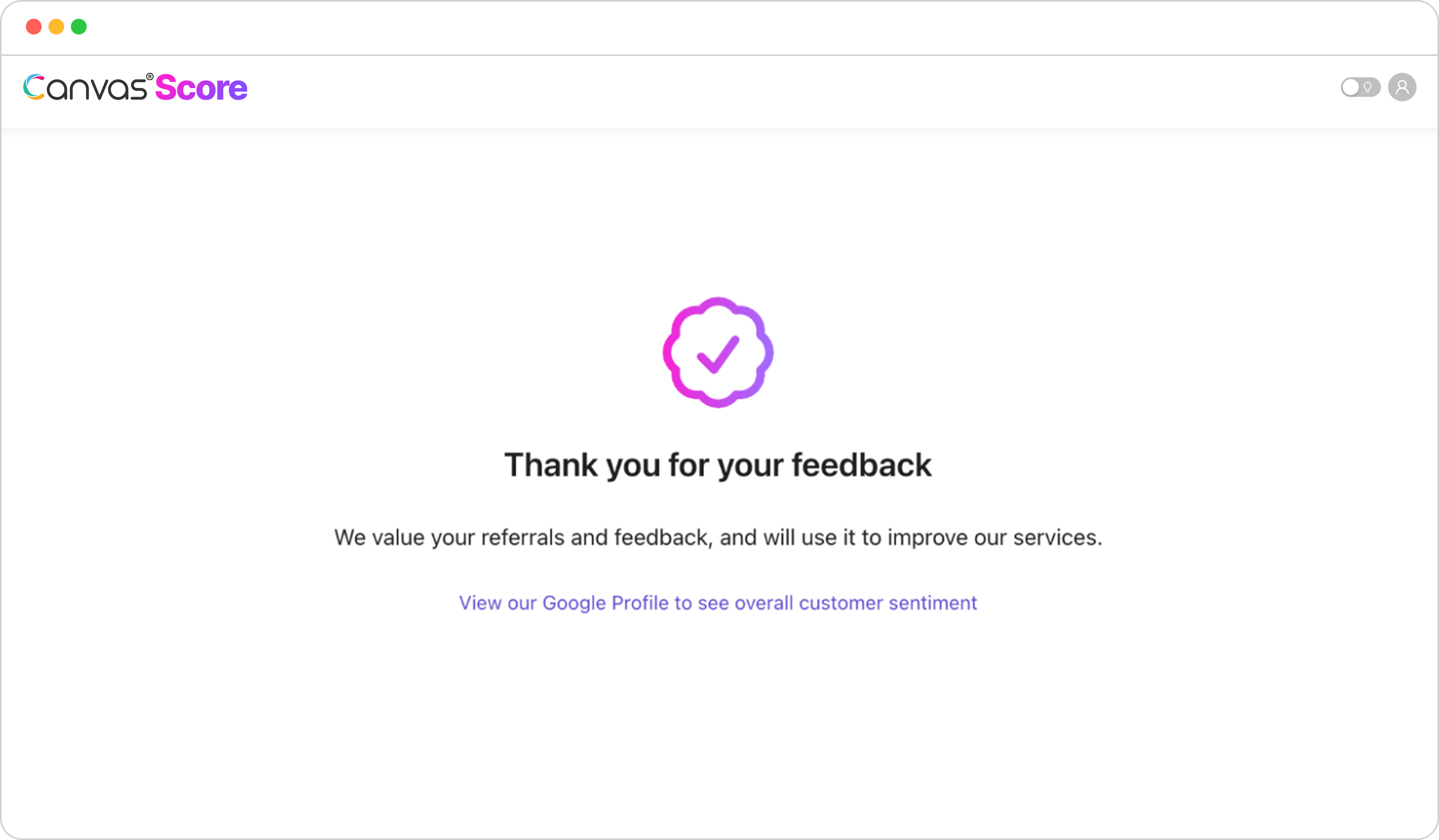
Upon feedback submission, they will be redirected to a thank you page where they can click to “View our Google Profile to see overall customer sentiment” which will link to your Google Business Profile to read all published reviews or leave a review.
If the client is a Passive or Detractor they will be routed directly from their NPS rating to the private feedback page, so they can communicate what fell short of their expectations:
Upon feedback submission, they will be redirected to a thank you page where they can click to “View our Google Profile to see overall customer sentiment” which will link to your Google Business Profile to read all published reviews or leave a review.
If you have questions, visit our support resource center here to view more information or contact our support team.

Canvas® Score is a proprietary review & referral automation platform designed and developed by Roya.com
© 2026 Canvas® Score | All Rights Reserved